IPTV Sports Streaming: What Should You Check?
Live sport is the toughest test for any stream. Here's how to prepare your setup so match night goes smoothly.
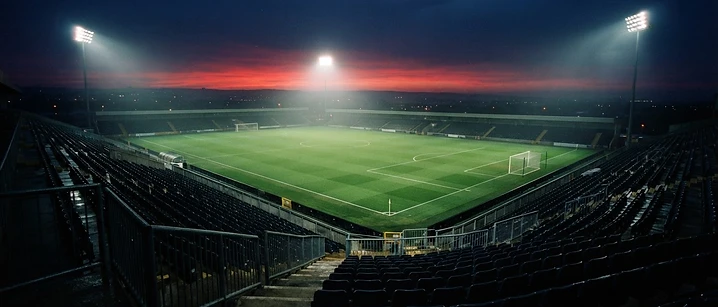
Live sport asks more of your stream than almost anything else. Fast movement, big audiences watching at the same moment and the simple fact that you cannot pause the drama all raise the stakes. A little preparation goes a long way.
Why sport is different
Motion needs more data
A slow-moving drama compresses easily. A football match — with a moving camera, a crowd in the background and a ball travelling at speed — needs more data to look sharp. That puts extra pressure on your connection.
Everyone watches at once
Big fixtures bring huge simultaneous audiences. Evening kick-offs also coincide with the busiest period on UK broadband networks.
Your pre-match checklist
- Go wired. An Ethernet cable is the single most effective upgrade for live sport.
- Test beforehand. Open the channel 15 minutes before kick-off so you have time to sort out any issues.
- Clear the decks. Pause game downloads, cloud backups and large uploads on other devices.
- Restart your device earlier in the day to free up memory.
- Update your player app — but not five minutes before the match.
Player settings worth knowing
- Buffer size: a slightly larger buffer can smooth out brief dips.
- Decoder: if the picture stutters, try switching between hardware and software decoding.
- Resolution: if your connection struggles, a steady HD picture beats an unstable 4K one.
Set realistic expectations
Streams over the internet often run a few seconds behind traditional broadcasts. If a neighbour cheers before you see the goal, that delay is usually the reason — nothing is wrong with your setup.
Check what is actually available
Sports coverage varies, and no service should promise "every match". Before a big event, check availability with your provider rather than relying on assumptions. UK Prime IPTV is not affiliated with any league, club or broadcaster.
Related guides
- IPTV buffering: common causes and solutions
- IPTV EPG explained — find fixtures in the programme guide
- IPTV on Fire TV
Want to get set up before the weekend? See our packages or contact support.
Frequently asked questions
Related guides

 Technology
IPTV Picture Quality UK: Why It Looks Different on Every Device
Resolution is only one number, and often the least important one. Here is how picture quality actually works in IPTV, and what you can do about it.

 UK Guides
Best IPTV Provider UK: What Should You Check Before Subscribing?
A practical checklist of what to verify before you choose an IPTV provider in the UK — and the warning signs that suggest you should walk away.

 UK Guides
IPTV Providers UK: How to Compare IPTV Providers in 2026
What separates one IPTV provider from another in the UK, and how to compare them fairly without relying on marketing claims.


Ready when you are.
Pick a package, tell us your device, and we'll help you get set up for the evening.